

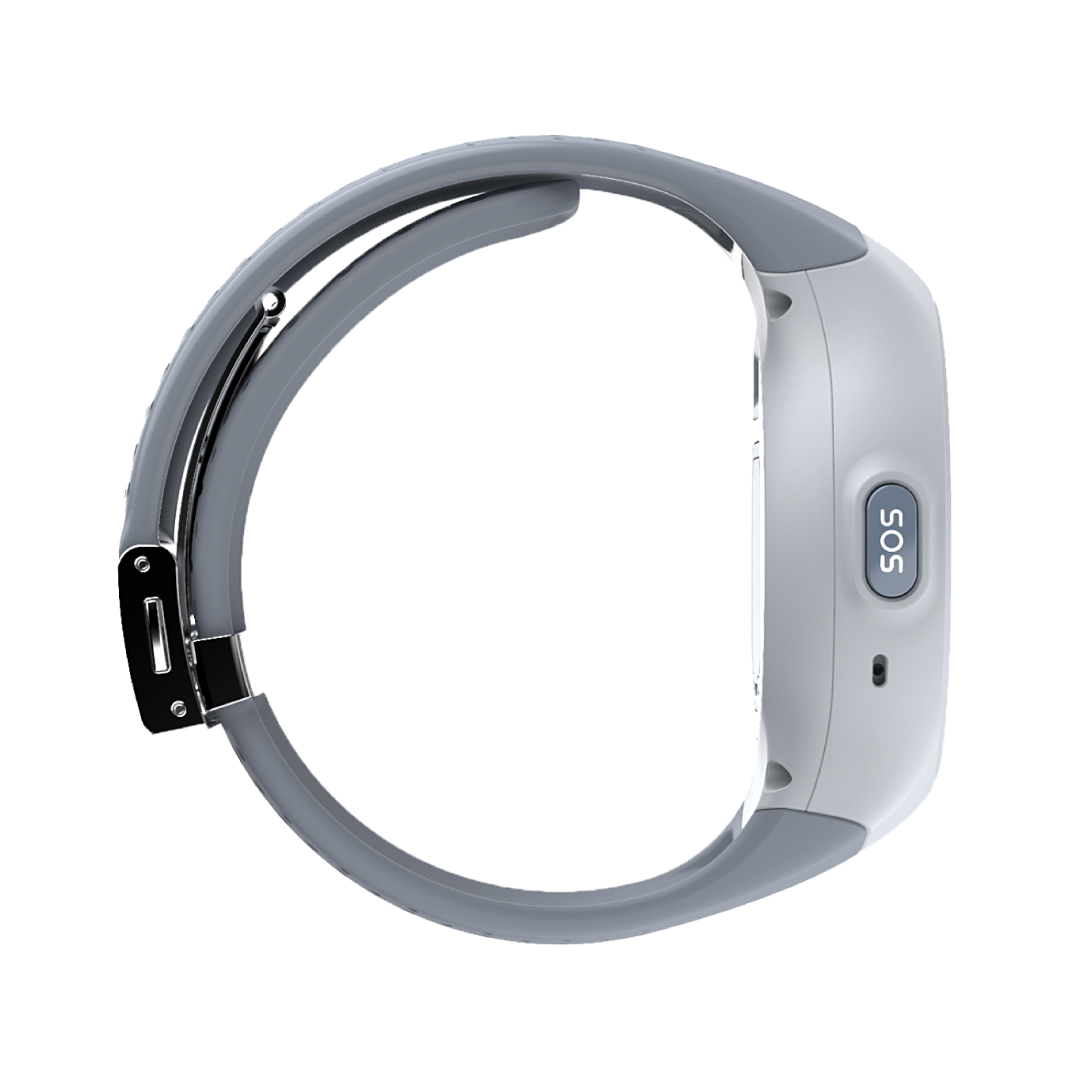
Life Smartwatch
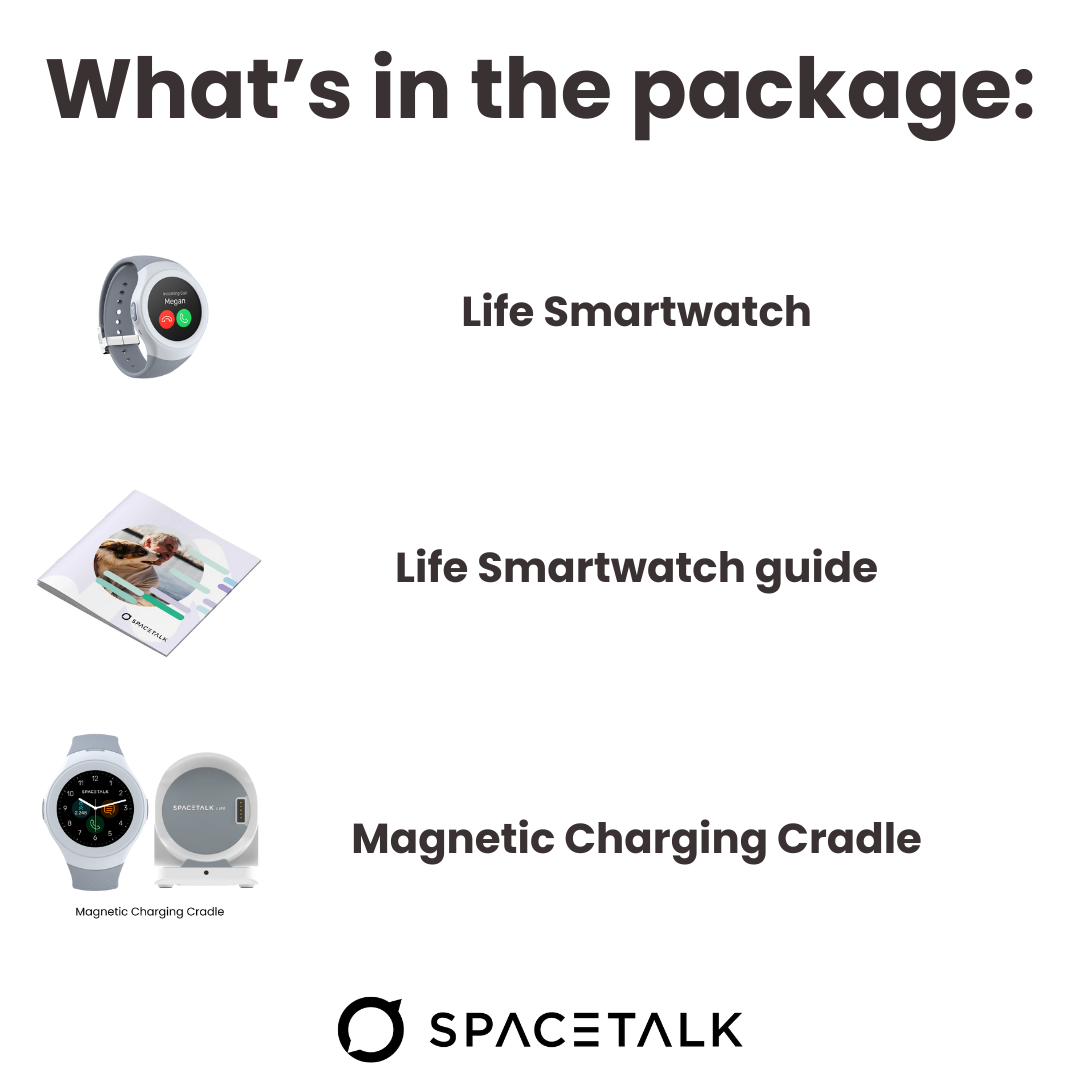
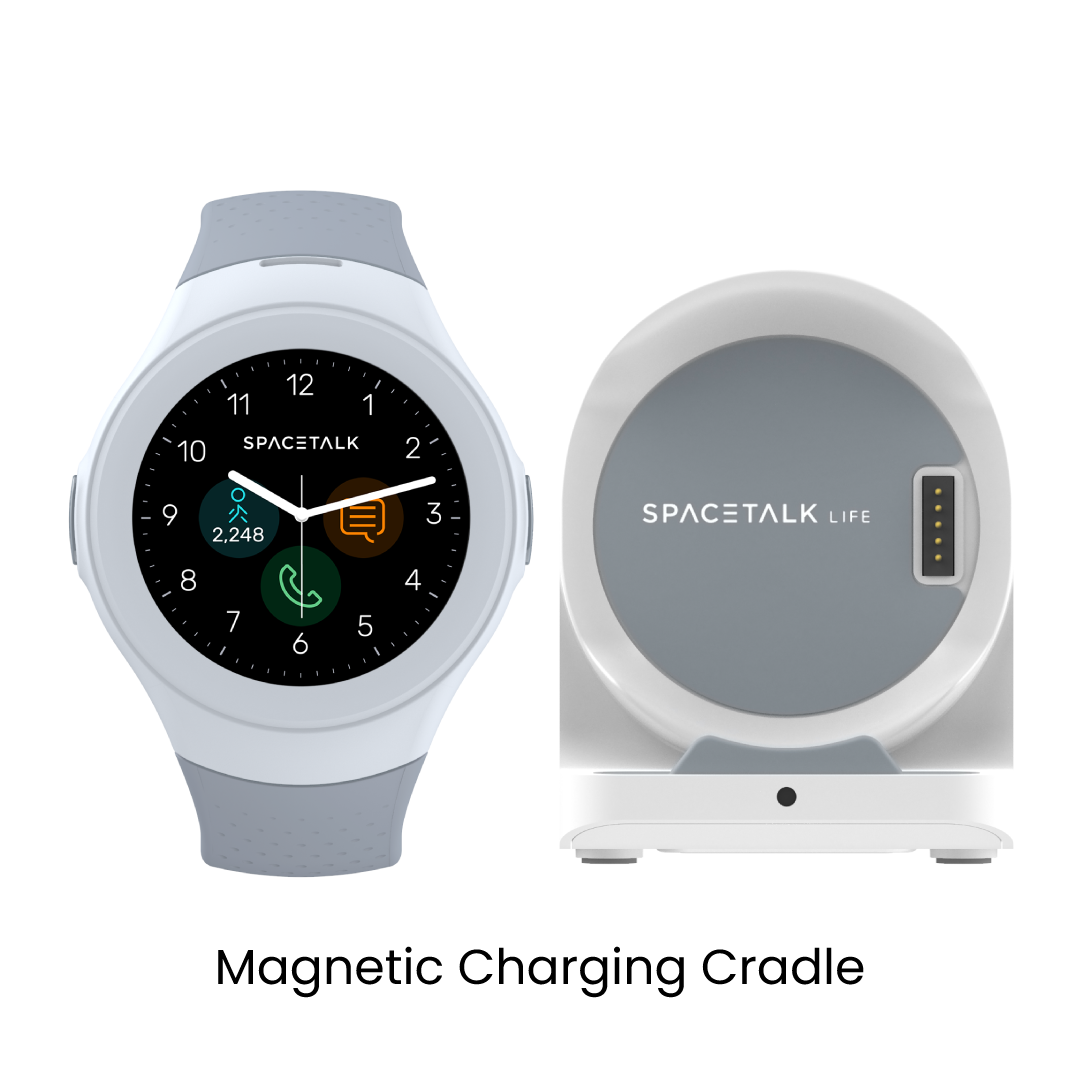
What's in the Box
Description
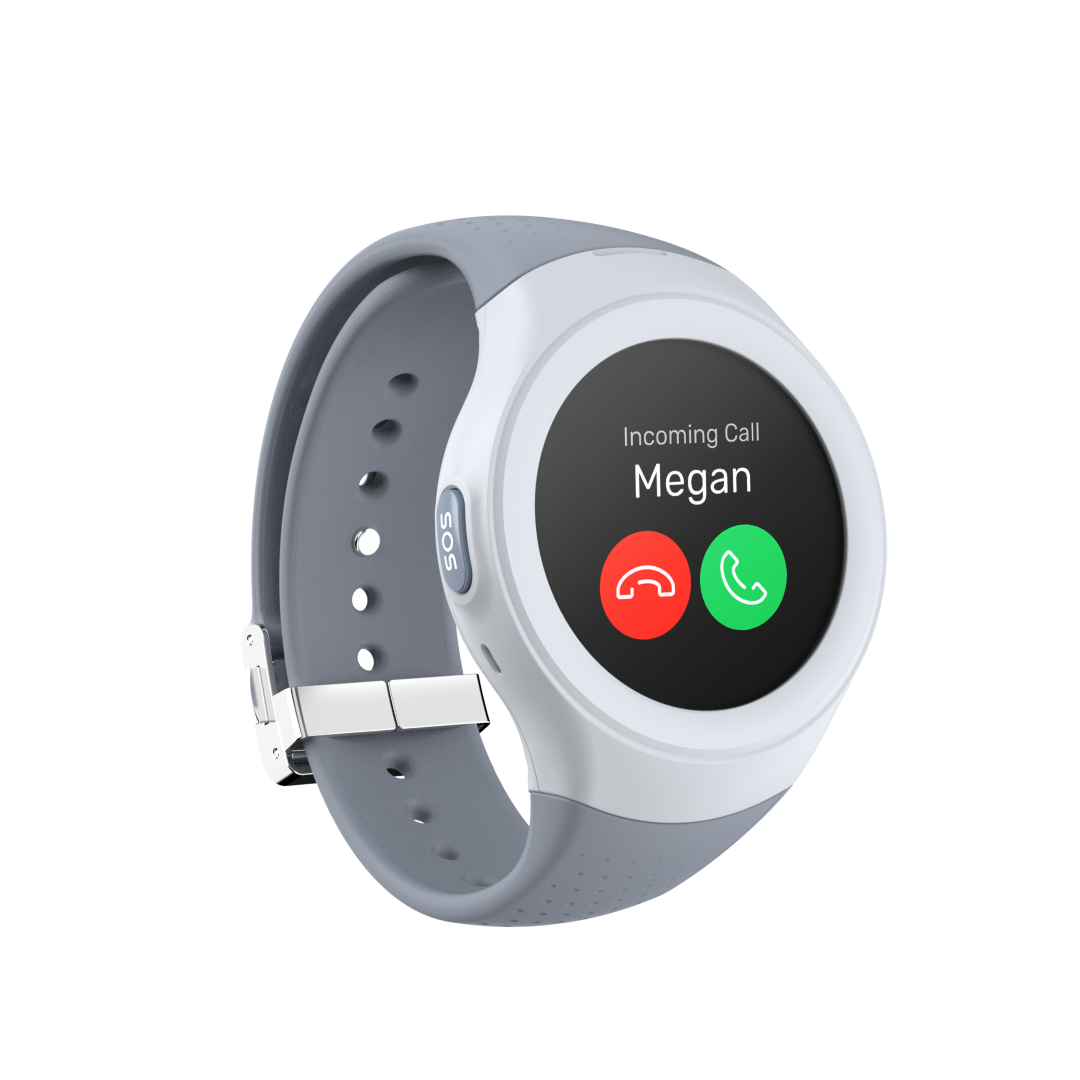
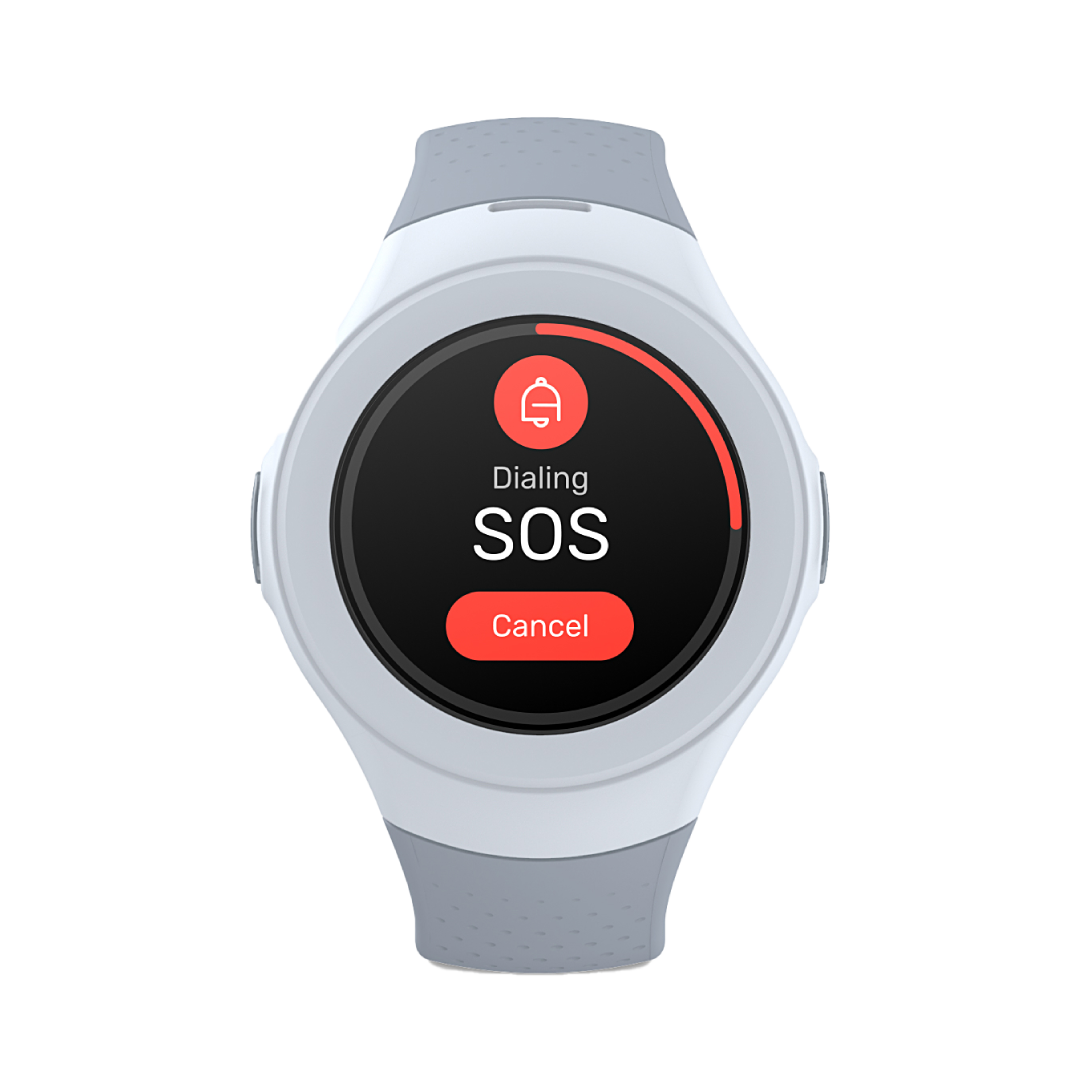
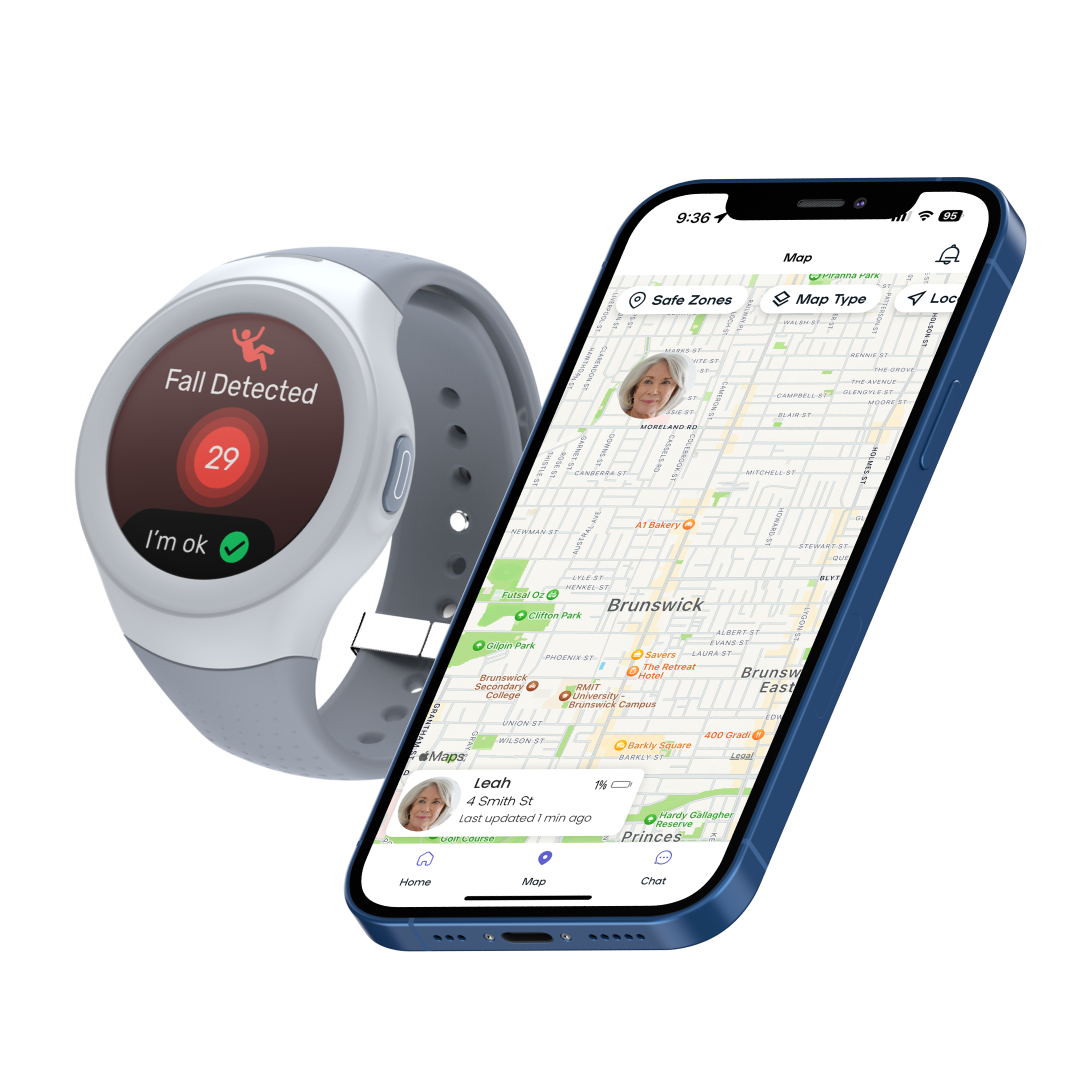
The Spacetalk Life watch that makes sure you're always connected to your support network. Our Life Smartwatch is perfect for all ages with GPS locator, SOS alert, fall detection, 4G phone and 24/7 monitoring service through Safety Link, ideal for anyone needing emergency backup for serious safety and health concerns.
Top Features
Mobile Subscription Required
All Spacetalk watches require a SIM card and mobile plan for their connectivity and functionality. The SIM card and an active mobile plan enables watch connectivity features like calling, messaging, and location services.
For customers in AU: a SIM card will be provided to you with your watch purchase.
To view our AU Plans, click here.
To read more about our requirements, please click here.
- CCarolReviewingSpacetalk Life Connect BundleI recommend this productRated 5 out of 5 starsMay 14, 2025Works well
Works well, love the fall feature, and emergency calls as my dad is not a big fan of having a mobile on him. Great stuff
Safety Features for Peace of Mind
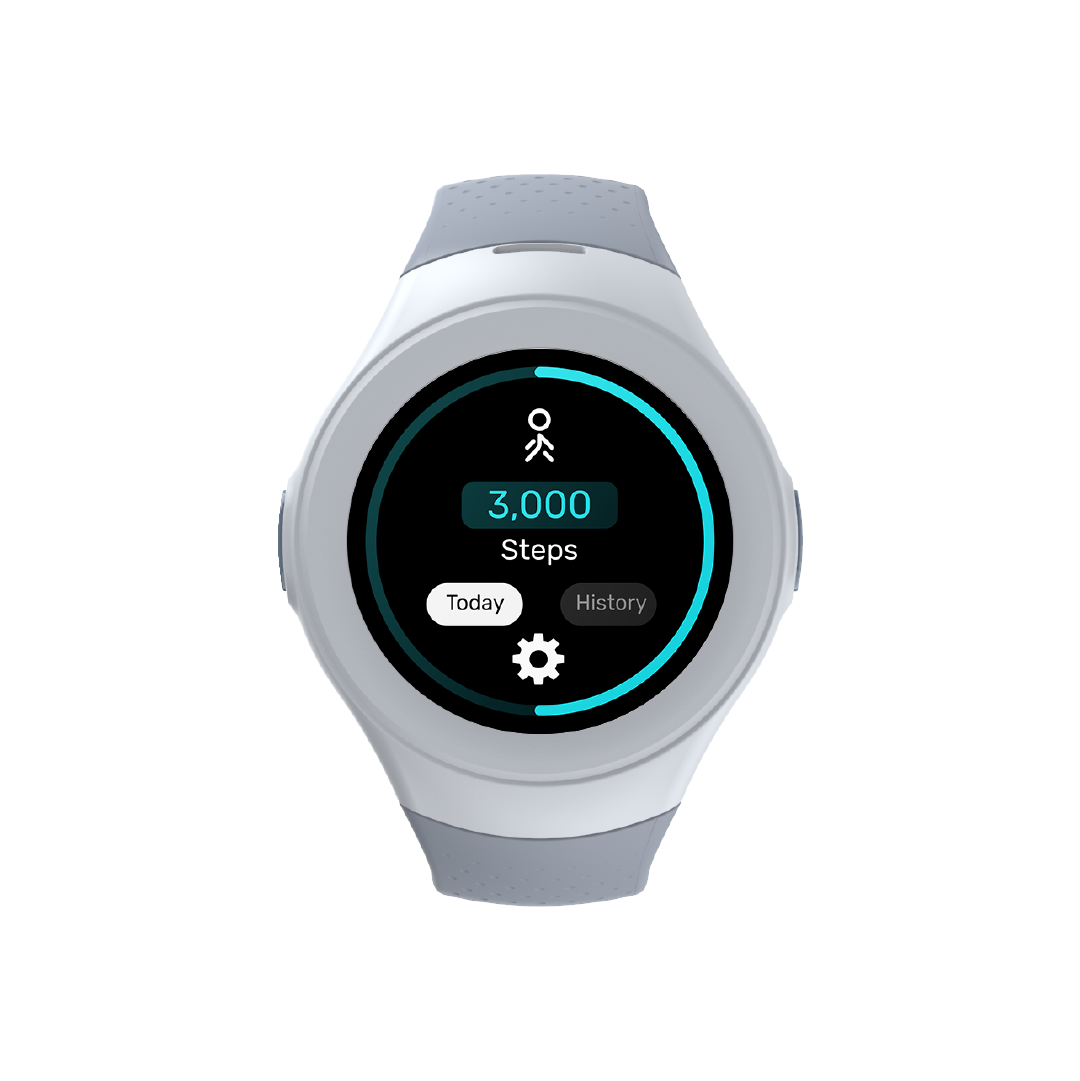
Life combines a suite of safety and wellness features created to support independence and connection. Together, they help ensure they feel secure throughout the day, while giving families comforting visibility and peace of mind.




Your Life Smartwatch, Ready in Minutes
Life is designed to be simple from the start. Power on the watch, pair it with the Spacetalk app and follow the on-screen prompts to complete setup. You’ll have it connected, customised and ready for use in just a few minutes.
When you're ready, click the button below to read our Quick Start Guide.
Discover the Life Smartwatch
Bring all the essentials of safety and connection into one smart, simple device.

Powering up your watchON: Hold the power button on the right-hand side until the ‘Spacetalk’ logo appears. The watch will also vibrate.
OFF: Hold the power button on the right-hand side until you see the ‘shutdown’ prompt. Tap ‘YES’ to shut the device down. Press ‘No’ to cancel.

Interacting with your watchWake: Press the power button or lift the watch if ‘Lift to wake’ is enabled.
Screens: Swipe left on the watch face to access the next page. Slide down from the top of the screen to access the drop-down menu.
Back: Press SOS button to return to the previous screen/menu.

Connect with loved onesCalls: Tap on the phone icon. Type or search through trusted contacts saved on the Spacetalk App.
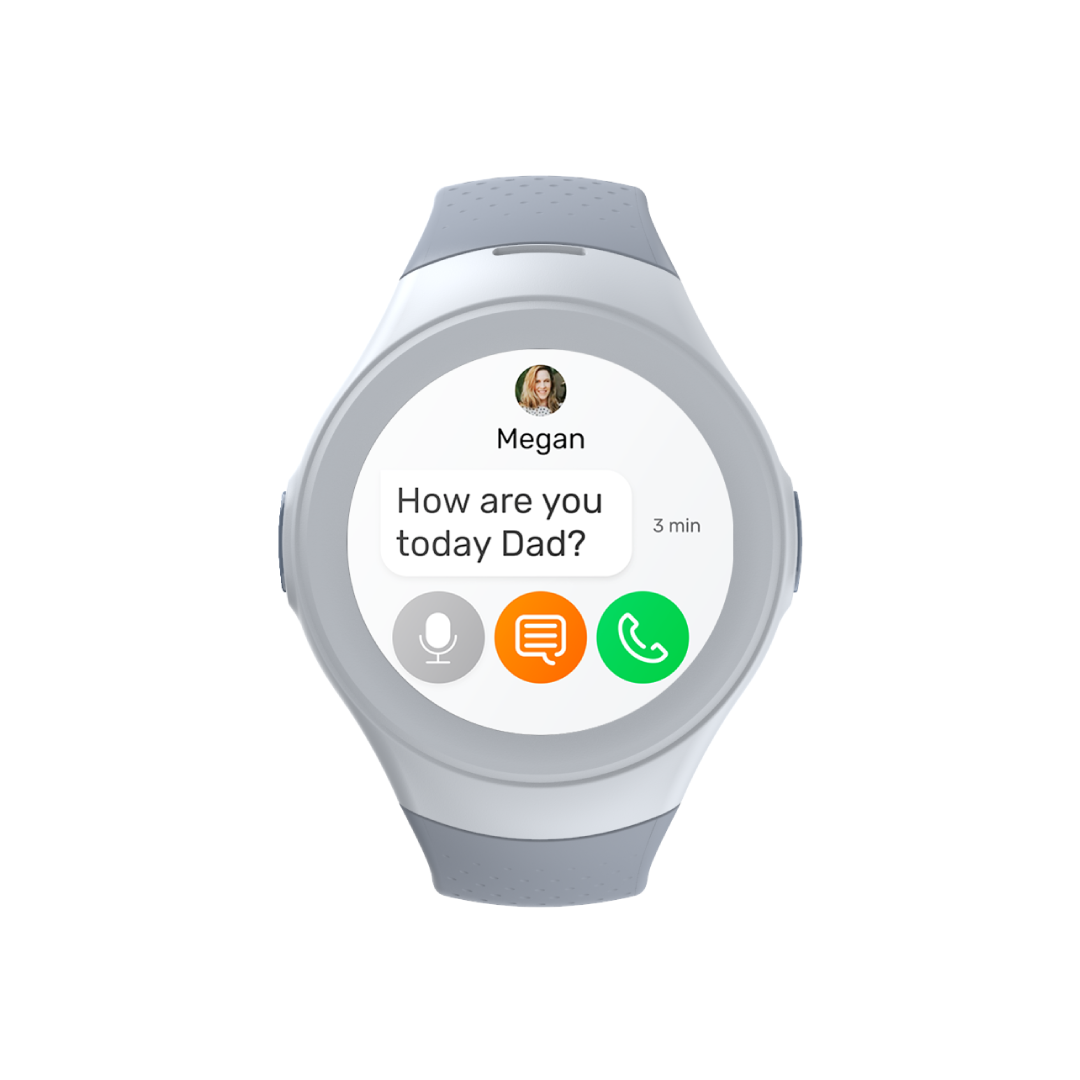
Text: Tap on the message icon. Type or search through trusted contacts saved on the Spacetalk App to send a voice message, text message or voice call.
Location: Tap on the location icon. Share your location to connected people on the Spacetalk App by tapping ‘Send Location’.

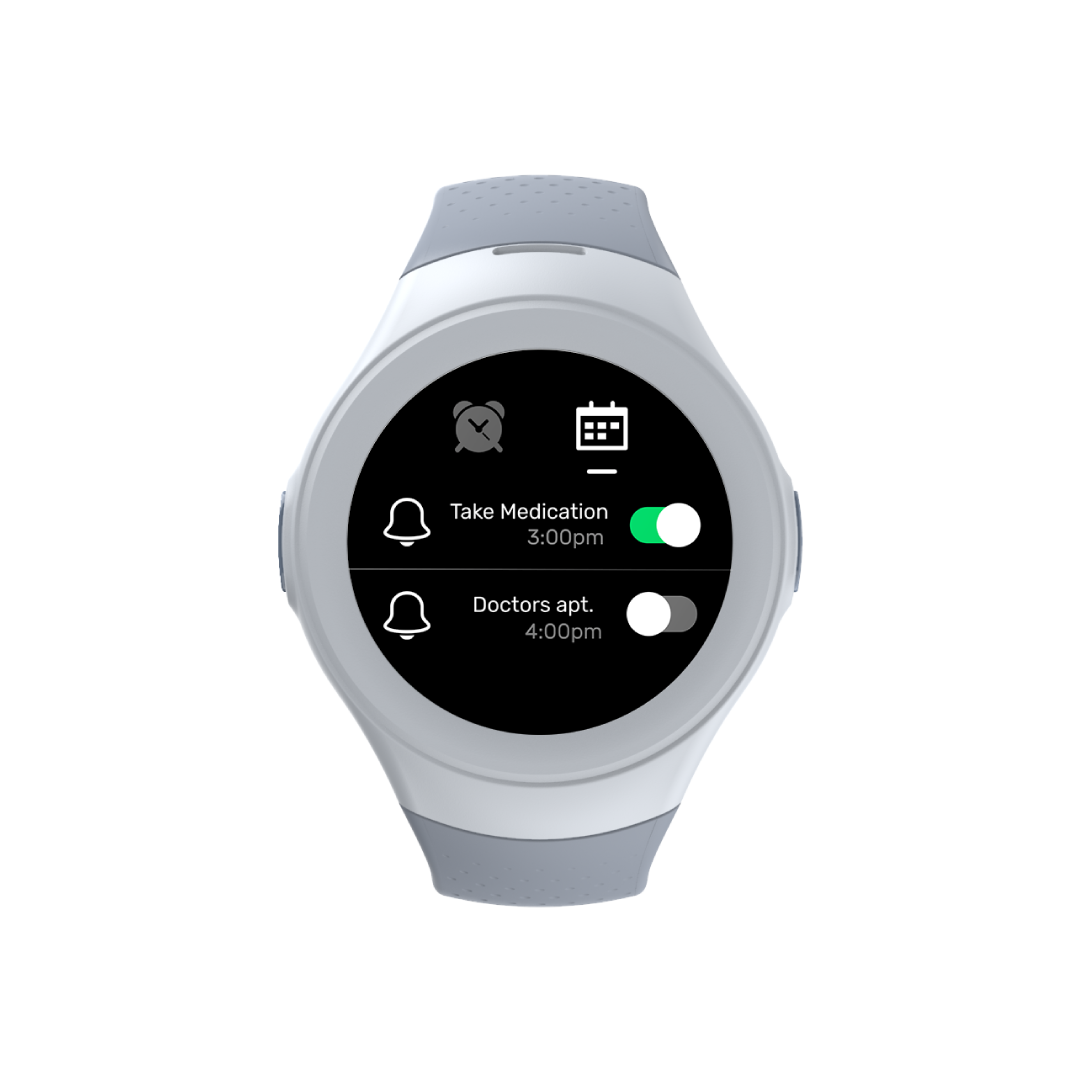
Configure your watchAlarms: Tap on the calendar icon. Adjust time, day and alerts to save.
Wallpaper: Tap on the main screen. Tap and hold on the watch face icon. Swipe left and right to see options, and tap to select.